Turn a Printer’s Claims Into Checks You Can Make
A specification sheet can tell you how far a printer’s head moves or which temperature its nozzle reaches, but it may say little about the work of owning that machine. Before buying, you need to know how a print begins, how files reach the printer, what happens when filament stops feeding, and how ordinary worn parts are replaced. This guide explains how to investigate those claims using the exact model’s documentation, software, parts listings, and service terms. It is a feature-evaluation guide, not a ranked list of tested printers. Use it once you have a few plausible candidates and want evidence that separates a convenient machine from an attractive sales page. The aim is a comparison you can defend with documents and examples rather than a collection of impressive numbers.
A: No. Typical print quality, preparation time, reliability, and support also shape the experience.
A: Read illustrated service procedures and check the regional availability of the parts they require.
A: Check the exact package contents rather than assuming a feature shown in photographs is supplied.
A: No. It detects particular conditions and may still require intervention or a fresh start.
A: Their handling, supplies, post-processing, and workspace requirements differ substantially.
A: Review the current terms for cloud functions, software features, and connected services.
A: Community advice is useful, but warranty service and documented repair paths remain separate considerations.
A: Spools, cable loops, moving beds, doors, and service access can require additional room.
A: Comparable objects, disclosed settings, similar quality targets, and clear timing boundaries.
A: When you can connect it to a specific task, process requirement, or recurring ownership difficulty.
Check the Exact Package Behind the Claim
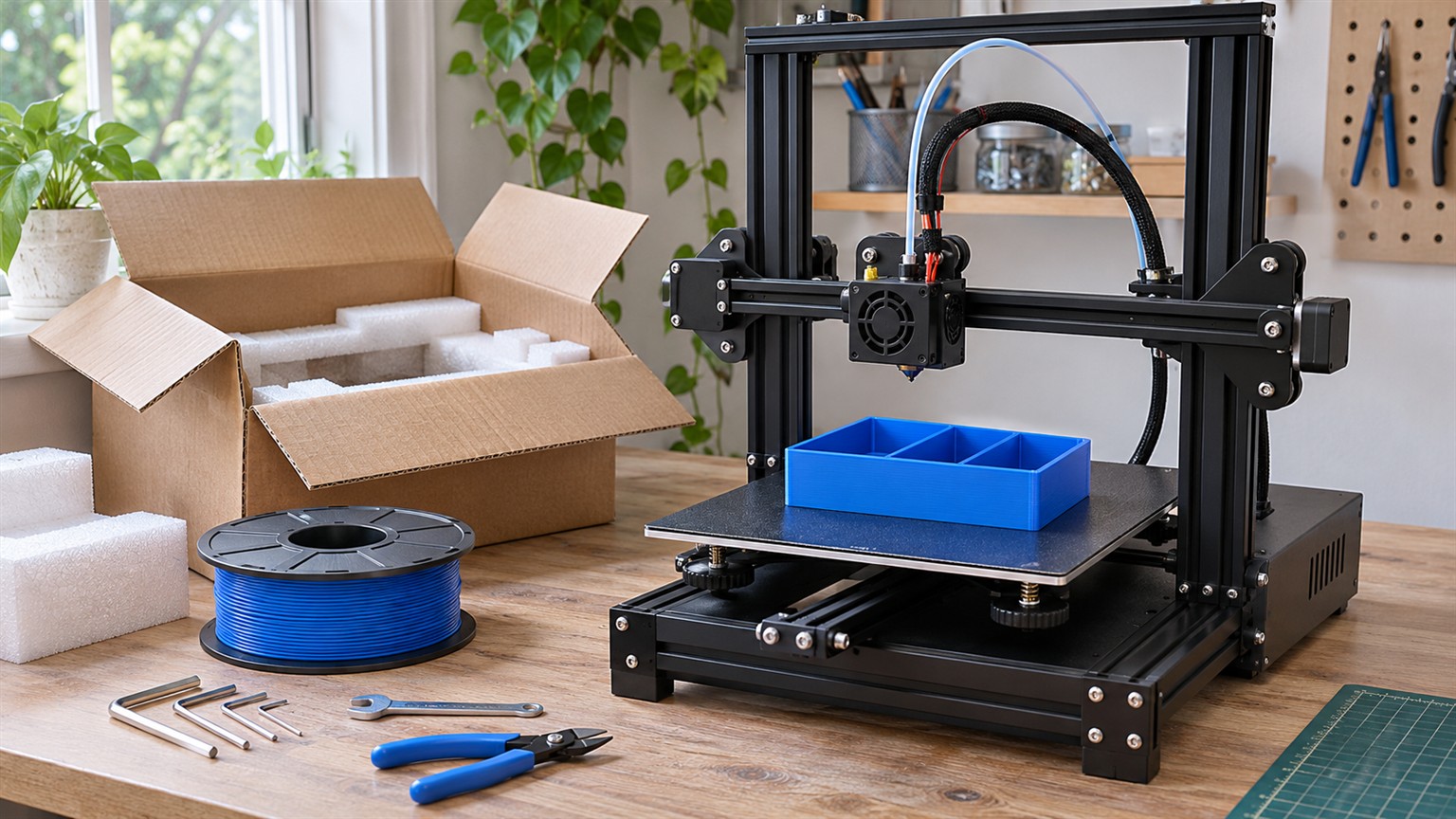
Begin with the exact model name, hardware revision where relevant, and package contents. A photograph can show a printer with an optional material feeder or enclosure while the displayed price covers only the base machine. Save the product listing and open the setup guide for that configuration. Check the included nozzle, build surface, spool arrangement, and accessories against your intended starting workflow. If two sellers describe the package differently, resolve that difference before comparing their prices.
Separate a maximum specification from a documented working process. For example, a stated nozzle temperature does not by itself establish that a filament will feed, adhere, cool, and print consistently in the supplied configuration. Look for a supported material profile and preparation instructions that cover the whole process. Build-surface suitability and any required hardware changes belong in that check. Record a capability as unresolved when the documentation does not explain the configuration needed to use it.
Keep the technology comparison appropriate to the candidate. Filament and resin printers bring different handling and post-processing requirements, so they need more than a price comparison. Prusa’s buyer guidance outlines that distinction. If you have already chosen a filament workflow, spend the comparison time on the ownership questions below. A separate decision about your projects and available room should establish which process belongs on the shortlist in the first place.
Look Beyond the Words Automatic Leveling
Automatic bed measurement can remove a repetitive manual task, but the feature name does not explain the entire first-layer process. Investigate whether the machine also establishes its initial nozzle position automatically, whether the plate needs particular preparation, and which conditions require recalibration. Read an actual first-print procedure before buying, including the troubleshooting page for poor adhesion. A useful system tells the owner what it measured, what remains their responsibility, and what to inspect when the result is wrong. Marketing shorthand is less informative than a clear explanation of how the printer reaches a consistent starting layer and how an ordinary user recovers when that layer fails.
Check the Parts You Will Eventually Replace
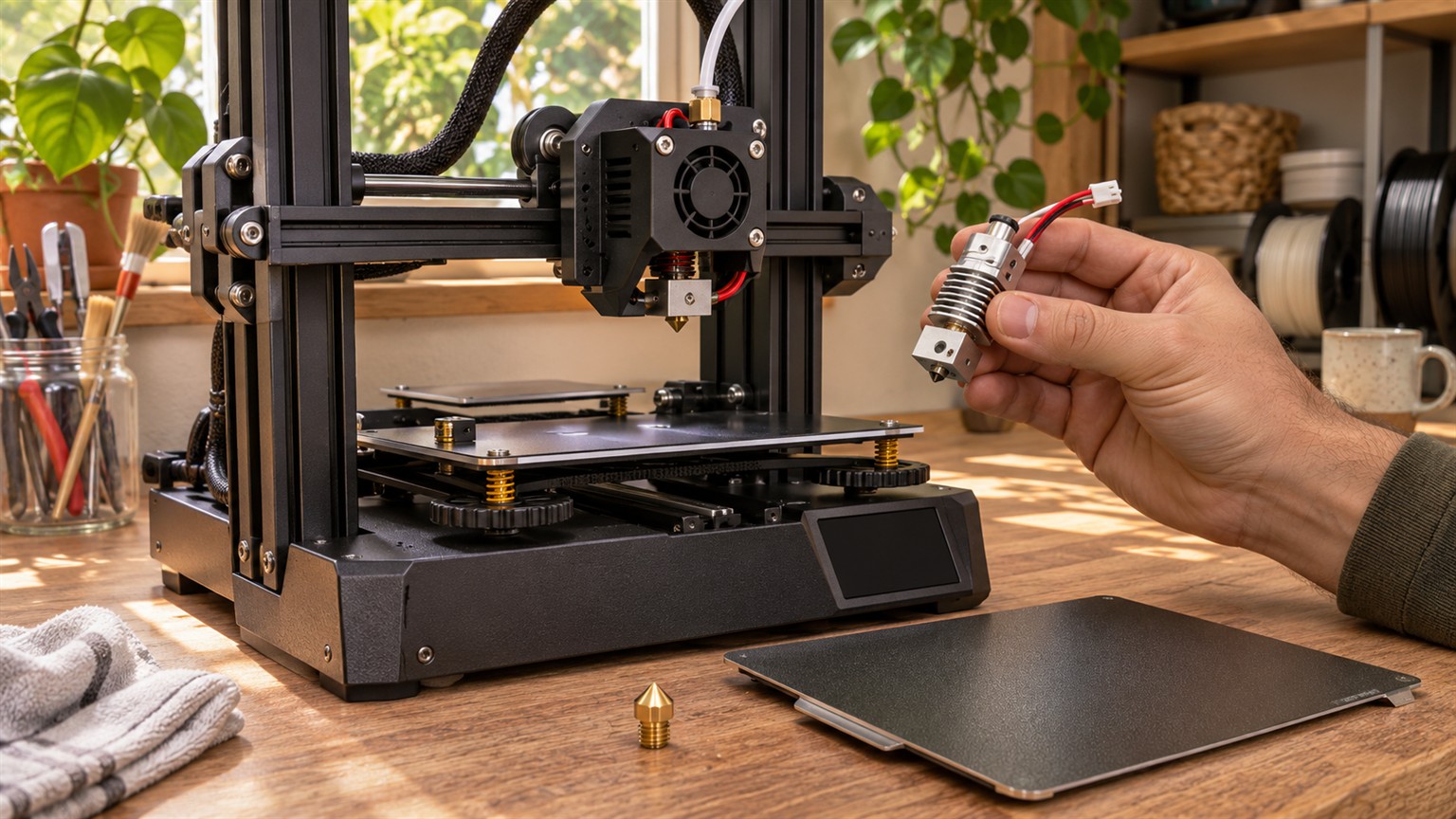
Nozzles, build surfaces, filament-drive components, fans, and other parts can need cleaning, service, or replacement during ownership. Search for those parts in the manufacturer’s store and support documentation while evaluating the printer. Check whether they are stocked for your region, whether replacement requires a complete expensive assembly, and whether the procedure uses tools or skills you are comfortable learning. An inexpensive printer can become inconvenient if one minor wear item is difficult to obtain. A more integrated replacement module may be convenient, but its cost and availability should be visible before purchase.
Service access also affects the workbench experience. A component hidden behind many panels may take longer to inspect than one with a documented, accessible replacement route. Read whether the procedure is performed cold, involves hot components, or requires specific electrical precautions. Do not equate a large online modification community with a manufacturer-supported repair path; those can serve different kinds of owner. You are looking for a realistic answer to a practical problem: if a print fails next month because a replaceable component wears out, how will you identify the part, obtain it, and restore the machine?
Use Print Evidence Instead of Maximum Speed
Maximum toolhead speed describes a capability under particular conditions rather than the duration of every real print. Actual time depends on acceleration, model shape, extrusion capacity, layer settings, cooling, and other limits. Small detailed objects may spend little time traveling at the headline speed. Compare evidence produced with disclosed settings and a recognizable model instead of accepting a dramatic timelapse as a complete performance test. A fast-looking result is more useful when its surface quality, dimensions, and print conditions are available for inspection.
Pay attention to what the machine does before and after depositing the object. Heating, bed checks, purging, tool changes, and multicolor transitions can contribute noticeably to a short job. An estimated printing time may not represent the full period before a usable part is in your hand. Ask whether quoted comparisons include comparable preparation and whether the printed objects meet the same quality target. The relevant benefit is finishing your typical work reliably, not winning an isolated motion demonstration under conditions you will rarely use.
Reliability evidence should include ordinary interruptions as well as successful showcase prints. Look for documented handling of filament runout, a failed feed, a detached object, or a network interruption. A sensor that reports trouble is useful, but it does not guarantee the machine can recover a damaged print. Read exactly what the printer detects and what the owner must do next. Clear limits are a sign that you can plan around the feature, whereas an unexplained claim of intelligent printing leaves too many assumptions untested.
Inspect the Software Path From File to Print
Download the supported slicer or read its setup documentation before committing to hardware. Check operating-system compatibility, available printer profiles, how a model reaches the machine, and whether local file transfer is supported. Investigate account requirements and which functions rely on an internet connection. These details matter if the printer will sit in a workshop with unreliable connectivity or if you prefer to keep project files local. A convenient phone app may be useful, but it should not distract from understanding the complete desktop workflow you will use to prepare and inspect a print.
File ownership matters beyond the first week. Determine whether you can save editable projects containing orientation and settings, export the formats your other tools need, and continue using essential functions if a subscription changes. Read the current terms rather than assuming that a familiar software name implies permanent access to every advertised capability. For a beginner, understandable presets and a readable layer preview usually provide more immediate value than a long list of experimental controls. The software should help you explain a result, not merely start a machine remotely.
Fit the Printer Into a Real Room
Measure the operating footprint with the spool, open doors, moving bed, and cable clearance included. Consider the noise during a sustained print, the access needed to remove a plate, and where tools and materials will live. A compact frame can still need generous surrounding space, while an enclosed machine may require room for door travel or top access. Follow the relevant printer and material guidance for ventilation, and investigate exposure controls appropriate to the process rather than treating an enclosure or a small filter as a universal solution. The room is part of the purchase because a printer that cannot be used comfortably or responsibly in its intended location will deliver little value regardless of its specifications.
Calculate Ownership Cost With the Consumables Included
Set a realistic starting budget that includes filament, any required accessories, a suitable work surface, storage, and ordinary maintenance supplies. Include shipping and taxes when comparing prices that come from different sellers. If a machine needs a separate enclosure or specialized component for your intended material, count that before calling the base model affordable. Avoid filling the cart with speculative upgrades; separate what is required on day one from optional conveniences that can wait until your own prints expose a need.
Material waste deserves attention when comparing workflows. Supports, purge material, failed starts, and multicolor transitions can consume filament that never becomes part of the finished object. The amount depends on the model and process, so a single percentage cannot represent every project. Examine the slicer’s estimates for a representative object if that workflow is important to you. A feature may be worthwhile for the creative result it enables, but its ongoing material demand should be understood alongside the advertised hardware price.
Keep replacement costs visible even if you do not expect an immediate repair. Price a nozzle or hotend service option and a replacement build surface, then check the shipping implications for small orders. Warranty coverage, return terms, and regional service arrangements can change the practical value of a discount. Save dated copies or links to the terms used in your comparison. This turns a temporary sale into a considered purchase rather than allowing a countdown banner to substitute for basic ownership research.
Test the Quality of Support Before You Need It
Find the assembly guide, first-print instructions, error reference, and maintenance pages for each shortlisted machine. Check whether illustrations match the current model and whether the guidance explains what to do when a step fails. Search a specific ordinary issue, such as filament loading trouble, rather than browsing only promotional videos. If the answer is easy to locate and tells you how to distinguish possible causes, the support system is already demonstrating value before you own the hardware.
Assess community advice with the same care you apply to product claims. A popular printer may produce more reports of problems simply because many people own it, while a small discussion forum may not provide enough evidence to judge reliability. Give more weight to clear, reproducible descriptions than to a single enthusiastic or angry post. For direct support, check contact methods, operating hours, language, and the region responsible for warranty service. What matters is whether you can get an actionable answer through a route you can realistically use. Check whether setup help and warranty claims go through the same organization, particularly when purchasing from a marketplace or regional reseller. A clear sales listing does not necessarily explain who will diagnose a fault after delivery. Resolve that responsibility while the purchase is still a comparison, and keep the answer with your order records.
Use an Evidence Ledger Before Ordering
Keep one short record for each finalist. Write the advertised claim, the evidence you found, and the practical consequence. This prevents an unresolved assumption from quietly becoming a favorable score. The example entries below show the method, not findings about a particular brand or model.
| Claim | Evidence to find | Decision consequence |
|---|---|---|
| Easy first prints | Setup sequence and recovery guidance for a failed first layer. | Can you follow the process and diagnose an ordinary failed start? |
| Easy maintenance | A current replacement part listing and the matching service procedure. | Include the real replacement assembly and shipping in ownership cost. |
| Convenient connectivity | Documented file-transfer methods and account requirements. | Check that the workflow works with your computer and available connection. |
| Fast printing | Comparable objects with disclosed settings and a clear timing boundary. | Judge usable results and full job time rather than travel speed alone. |
Do not fill a missing answer with a guess because the machine is on sale. Contact the seller or manufacturer with the model, region, and specific unresolved point, and keep the response with the record. If the answer would change your choice, wait until it is clear. When all essential conditions are documented, use the differences that affect your own workload to choose between the eligible machines. The ledger also gives you a useful set of expectations to check during the return period after delivery.
For example, if a spare nozzle is sold only as part of a larger module, record that assembly and its actual ordering route. The comparison should reflect the repair you can perform, not the inexpensive loose part you hoped the machine would accept.