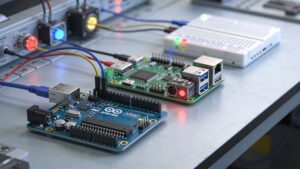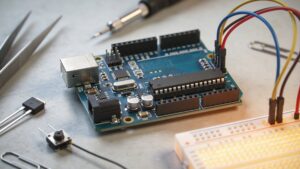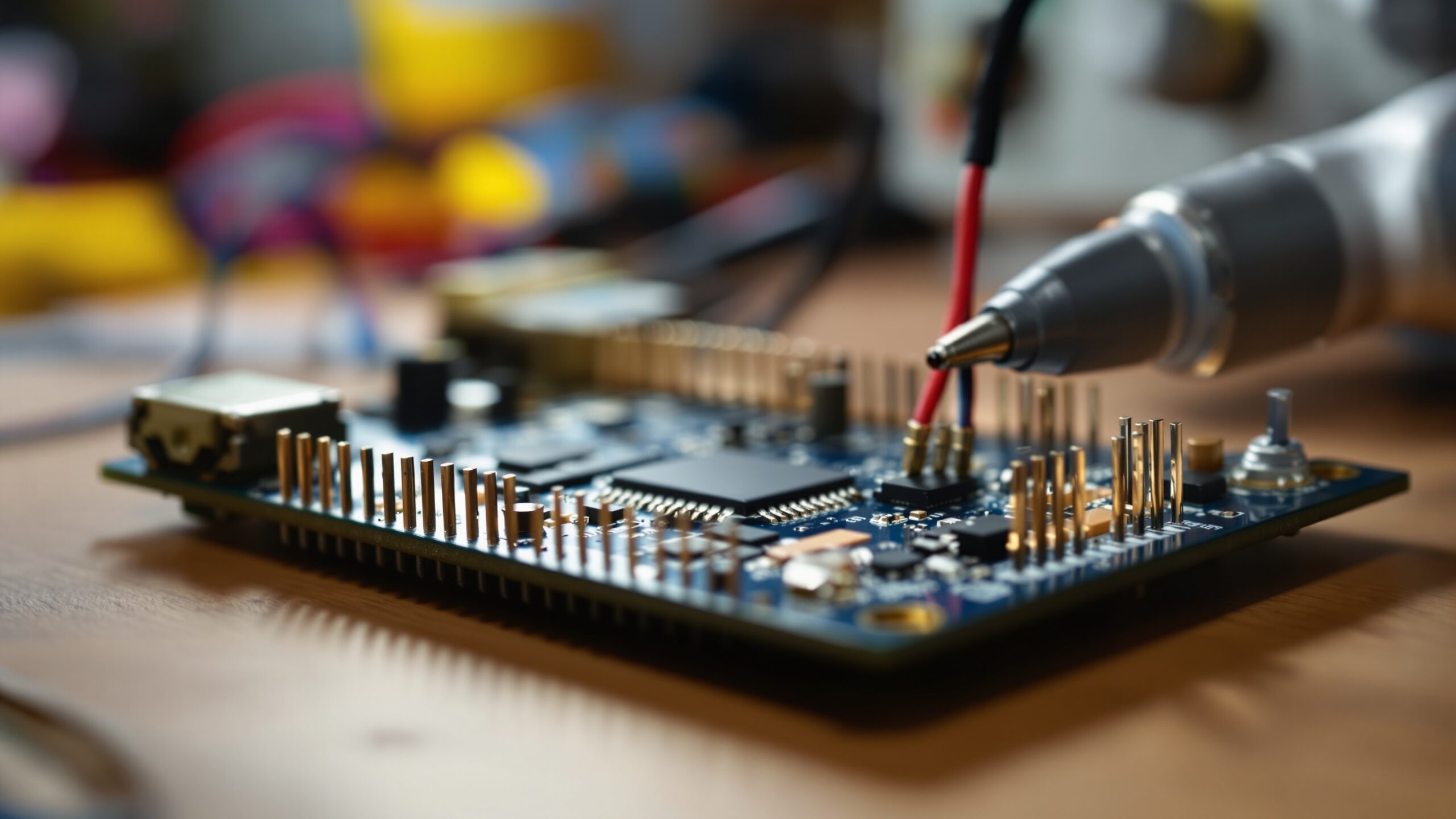
Microcontrollers & Firmware is where tiny computers learn big tricks. These palm-sized chips sit inside projects that blink, buzz, measure, and move—quietly running the firmware that tells every LED when to glow and every motor when to stop. On Crank Street, this category explores the craft of making hardware feel alive: writing lean code that boots fast, reacts instantly, and stays steady for weeks without a hiccup. You’ll find articles that walk through the maker essentials—digital and analog pins, interrupts, timers, PWM control, sensor sampling, serial debugging, and safe power habits—plus the behind-the-scenes firmware moves that separate a demo from a dependable build. We’ll also dive into real-world workflows: flashing boards, managing libraries, versioning your projects, and troubleshooting the classic “it worked yesterday” mystery. Whether you’re building a kinetic sculpture, a smart workshop tool, or an interactive installation, microcontrollers are the control room and firmware is the script. Plug in, power up, and start teaching your creations new behaviors.
A: A microcontroller runs one focused program, often with real-time inputs/outputs.
A: Check cable/port, boot mode, power, and anything wired to serial pins.
A: Power sag or noise; separate loads, add decoupling, and improve grounding.
A: No—use them for truly time-critical events; keep the rest scheduled.
A: Add serial prints for key values and confirm voltages with a meter.
A: Use non-blocking timing and state-based logic.
A: Power, wiring, and physics—filter readings and shorten/route cables cleanly.
A: Use a driver, proper power, flyback protection, and never power from a pin.
A: Avoid memory bloat, handle errors, and include a recovery plan (watchdog).
A: Once the circuit is stable and tested under real power and load conditions.