Choose Three Objects Before Choosing a Machine
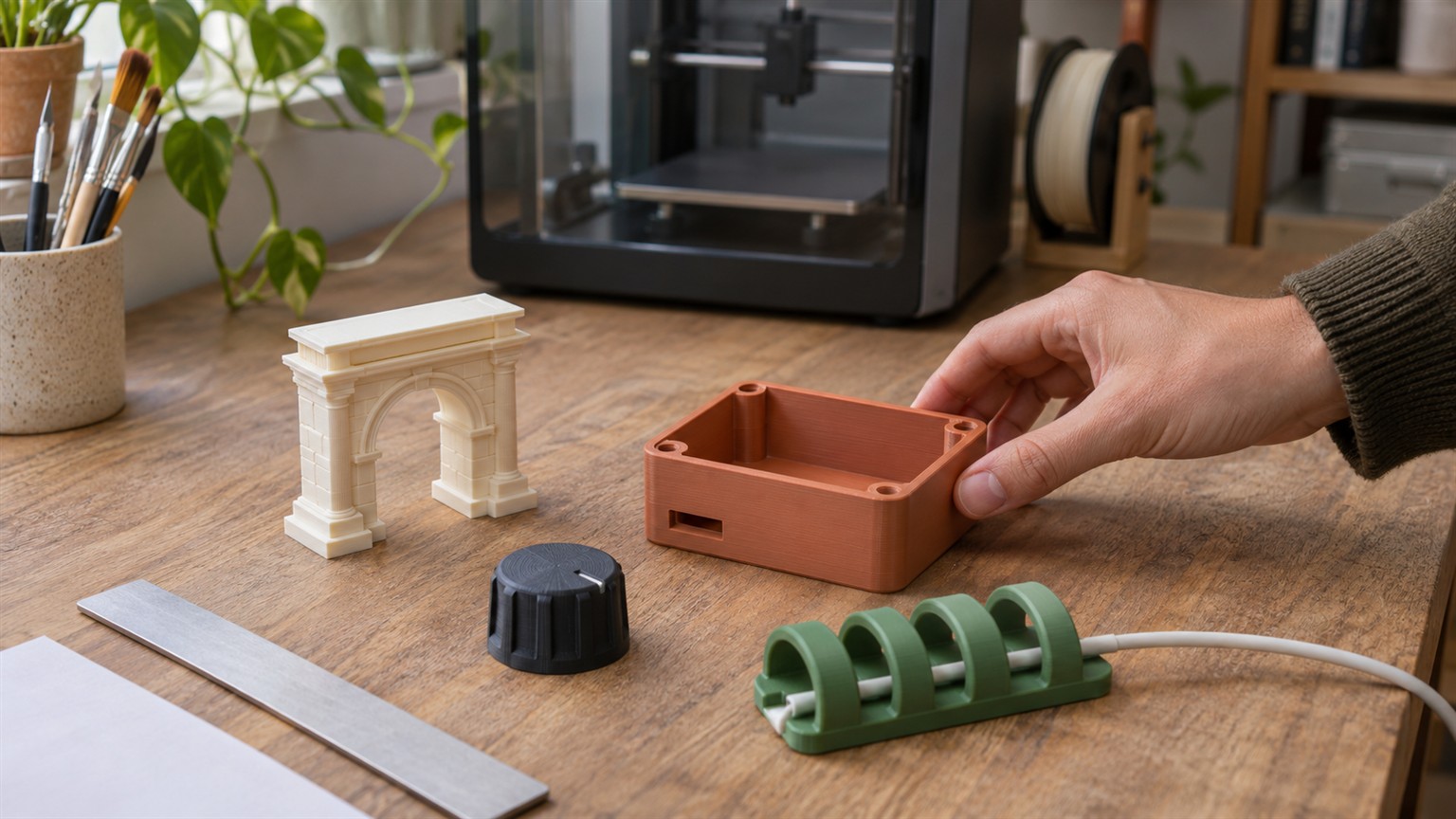
Imagine putting three finished prints on your desk: something useful around the house, something related to a hobby, and something you would enjoy designing yourself. Those objects form a better starting point for choosing your first 3D printer than an endless ranking of machines. Their dimensions, detail, material needs, and printing frequency begin to explain what the printer must actually do. Add the room where it will operate and the amount of setup you want to learn, and the choice becomes much more manageable. This article shows how to build a short, defensible list of candidates and choose between them without assuming that every beginner wants the same machine or the same relationship with the technology.
A: Compare its importance with your regular work and consider joining parts or outsourcing that occasional job.
A: A few well-researched eligible machines are easier to compare meaningfully than a large undigested list.
A: Treat essential workspace and process requirements as eligibility conditions.
A: It suits some hardware interests, while other beginners prefer concentrating on design and printing.
A: Keep it unresolved and seek a model-specific documented answer before deciding.
A: It records your priorities and exposes tradeoffs rather than establishing a universal ranking.
A: Your essentials are verified and the choice remains suitable under reasonable changes in uncertain preferences.
A: It tests support, parts access, workspace, and your comfort with the machine's normal demands.
A: Buy essential requirements first and establish a supported baseline before selecting speculative modifications.
A: A small supported test should establish correct setup before the more demanding objects in your brief.
Turn the Objects Into a Practical Brief
Describe each proposed object in plain language before collecting specifications. A desk organizer might need to fit a particular drawer, while a miniature building needs crisp visible details and a replacement knob needs a measured interface. Record dimensions you can verify and separate functional requirements from visual preferences. If the drawer is only shallow, height may matter more than overall machine capacity. If the knob will sit near heat, the material requirement deserves attention before the printer’s color options or headline speed. A brief is useful precisely because it makes these different needs visible. Add a rough frequency beside each object: a one-time experiment, a monthly hobby task, or something you expect to make repeatedly. This helps prevent an occasional special case from receiving the same influence as the work that will occupy most of your printing time. You can revise the brief later as experience replaces assumptions.
Decide which object is essential and which is an experiment. One speculative project should not automatically dictate every purchase decision, especially when it requires a much larger or more demanding machine than the work you will do regularly. Consider whether an occasional oversized object can be divided into joined components or ordered from a printing service. That comparison may reveal that a manageable desktop printer covers most of your real use. It may also confirm that a larger capacity is justified, but now the conclusion rests on a specific requirement rather than fear of missing out.
Choose the Printing Process You Can Support
Filament and resin printers solve some overlapping problems through very different workflows. Filament systems build objects from deposited plastic, while resin systems cure liquid material and require a separate handling and post-processing routine. Fine visible detail may make resin attractive for certain miniature projects, but the complete process includes cleaning, curing, exposure controls, and appropriate waste handling. General-purpose household prototypes often lead beginners toward filament systems, yet neither process is automatically suitable for every room or use. Read the material and machine instructions, identify the complete workflow you would have to support, and eliminate any option whose routine requirements do not fit your available space, habits, or willingness to learn.
Make the Room a Pass-or-Fail Requirement
Measure the intended location with the printer operating, not merely sitting inside its advertised dimensions. Allow for moving beds, opening doors, spool arrangements, cable loops, and access for cleaning and maintenance. Think about a long print occurring while other people use the room. Noise, heat, lighting, access to controls, and the placement of stored materials all affect whether the machine becomes a useful tool or a recurring domestic negotiation. A paper outline on the bench can expose a space problem before an expensive box arrives.
Use the relevant manufacturer guidance to assess ventilation and material suitability. Avoid treating a closed enclosure as proof that every process is appropriate beside a desk or in a bedroom. The room also needs a stable supporting surface and a suitable electrical connection. If the workspace cannot support a particular process, remove it from the shortlist rather than giving it a low score that can be outweighed by a sale price. Some requirements are conditions of ownership, and they should remain conditions rather than optional preferences.
Consider where unfinished prints, tools, spare parts, and filament will live. A tiny available bench can become crowded when the build plate is removed and a support-removal task begins. Storage does not need to be elaborate, but it should keep materials clean and accessible without obstructing the machine. A printer that fits its operating area and its surrounding workflow will be easier to use regularly. That regular use is more valuable to a beginner’s learning than an ambitious capability that remains packed away because setup is inconvenient.
Decide Whether You Want an Appliance or a Learning Project
Some beginners want to learn design and make objects with minimal mechanical involvement. Others enjoy assembling hardware, understanding motion systems, and adjusting the machine itself. Both are valid interests, but they imply different purchases. A kit can provide useful familiarity with components and wiring when its documentation and support are strong. A more assembled machine can shorten the route to printing without removing the need for cleaning, observation, and maintenance. Be honest about which activities you want to spend your limited hobby time doing.
A low price may look less attractive if it assumes troubleshooting skills you do not yet have and do not want to develop immediately. Conversely, a highly integrated system may feel restrictive if your main interest is modifying hardware. Read representative maintenance instructions and an actual setup guide for each candidate. Those documents show the kind of owner the product expects more clearly than an advertisement does. Choose the learning workload you welcome, then make sure the machine’s normal demands fit it. Consider who else will use the printer and whether you will be the person responsible for helping them. A shared household tool may benefit from a consistent documented routine even when its primary owner enjoys experimentation. The right level of complexity should support everyone who needs the machine rather than only the most enthusiastic tinkerer. Write down who will handle routine cleaning, material changes, and troubleshooting. Shared expectations help keep an interesting new tool from becoming an unfinished responsibility for someone who never wanted to maintain it.
Reduce the Market to a Small Eligible Shortlist
Create a few nonnegotiable requirements from the brief: sufficient usable volume, support for the intended material workflow, acceptable room fit, compatible software, and a complete starting cost within budget. Check the current official specifications and documentation for the exact model and package. Do not quietly substitute a premium configuration when reading about a cheaper base unit. Eliminate candidates that fail an essential condition, and keep a short explanation beside each rejection. This prevents the same unsuitable machine from returning to your search every time a new recommendation appears.
Limit the remaining list to a few credible choices rather than maintaining a giant comparison sheet. Similar machines can differ in service access, local support, account requirements, replacement parts, and the route from slicer to printer. Those differences are easier to investigate carefully when the list is short. If you cannot find a clear answer to an important requirement, record it as unresolved instead of assuming the favorable interpretation. A seller’s support response can become evidence, but retain the exact answer and confirm that it applies to your region and model.
For current technical background, the Prusa introduction to 3D printing explains the broad process distinction, and the specifications of your actual candidates should supply the model-specific facts. Treat manufacturer claims as claims about their products, not independent proof of superiority over every alternative. Independent hands-on evidence is useful when its settings, objects, and limitations are explained. Your shortlist should combine a verified fit with enough practical evidence to understand ownership, rather than relying on a single brand’s comparison language. Check the date of any comparison you rely on, because packages, firmware, support arrangements, and software conditions may change. A review of an earlier configuration can still teach useful principles, but it should not silently establish the contents of the box being sold today. Save the current official listing beside your decision record.
Work Through a Small Example Shortlist
Consider an illustrative buyer who wants drawer organizers, small tabletop scenery, and a custom enclosure. The examples are planned in a supported PLA workflow; none requires a special high-temperature application. The buyer measures the largest intended part, confirms a suitable workshop location, and wants to spend more time designing than assembling the printer. Those requirements remove unsuitable candidates before any preference score is assigned. The fictional options below describe decision patterns, not actual printer reviews.
| Fictional option | What fits the brief | Tradeoff to examine |
|---|---|---|
| Compact assembled machine | All three planned objects fit; setup is documented. | Less room for a possible large costume project later. |
| Larger assembly kit | Extra build capacity and a hands-on assembly experience. | More initial hardware work than this buyer wants. |
| Feature-rich machine with a required online workflow | Useful material-handling conveniences. | The workshop connection is unreliable; verify an acceptable file route. |
The compact option leads because it meets the actual projects and learning preference. The larger kit would become more attractive for a buyer whose priority is hardware learning or regularly oversized parts. The connected option remains unresolved until its essential file workflow is verified. This is why eligibility comes before scoring: a flashy convenience cannot compensate for a process the owner cannot use.
See How a Different Project Changes the Choice
The example shortlist does not identify a machine that every beginner should buy. Change the intended objects or learning preference and the decision should change with them. Use the scenarios below to examine your own brief before treating one feature as universally valuable. Each scenario identifies a requirement to verify, rather than a guarantee that a particular printer type will satisfy it.
| Buyer scenario | Requirement that becomes important | What to investigate next |
|---|---|---|
| Small scenery and display pieces | The desired visible detail and the complete handling process. | Compare actual sample results at disclosed settings, then assess whether the workspace supports the chosen process. |
| Workshop organizers and fitted enclosures | Useful dimensions, interfaces, and a supported material workflow. | Measure representative objects and inspect how the design files reach the slicer and printer. |
| Regularly large costume panels | Usable build volume and practical joining or finishing work. | Compare full-size printing with dividing parts, including the post-processing either route requires. |
| A learner mainly interested in hardware | Understandable assembly, service access, and documented components. | Read the kit and maintenance instructions rather than judging assembly only as a delay. |
Make the Final Choice Against the Original Brief
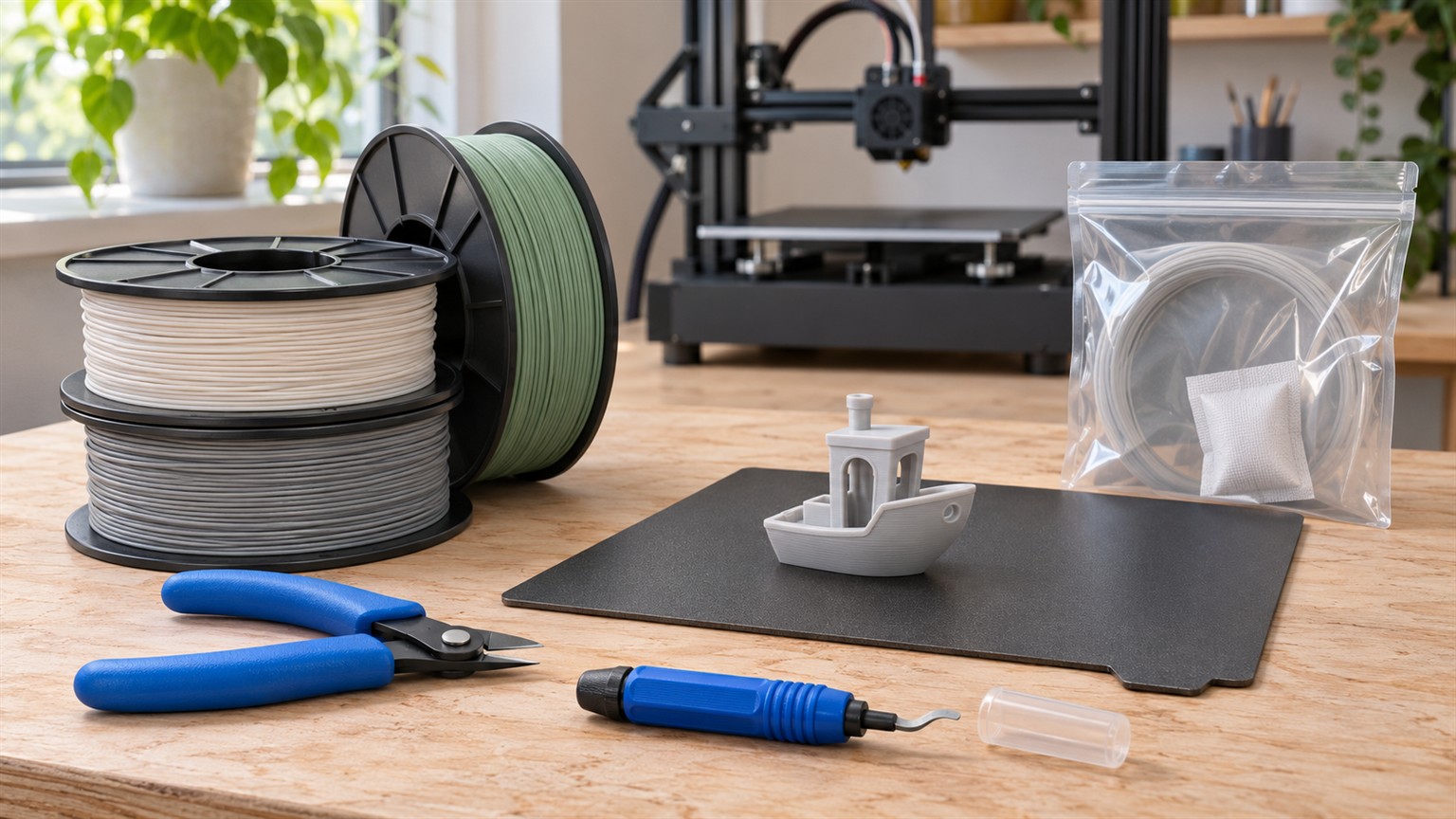
Revisit the three intended objects before ordering. Confirm that their usable dimensions fit, the supported material workflow matches their ordinary use, and the operating footprint fits the measured location. Check the exact package contents and add only the supplies required to begin. For the illustrative buyer, this means the selected machine, a suitable spool, the specified plate-preparation supplies, and the existing supported workspace. Optional color handling or a second nozzle can wait until a real project establishes their value.
Write a short purchase rationale: the objects it will make, the essential conditions it meets, and the tradeoff you accepted. A useful statement might say that a compact assembled machine fits all three current projects and reduces setup work, while occasional larger objects will be split or outsourced. Keep current return and warranty terms with that record. After delivery, check the choice against those expectations using the manufacturer’s setup process and an appropriate small test. This gives the decision a clear endpoint: a workable first machine selected for known work, with future ambitions recorded separately.