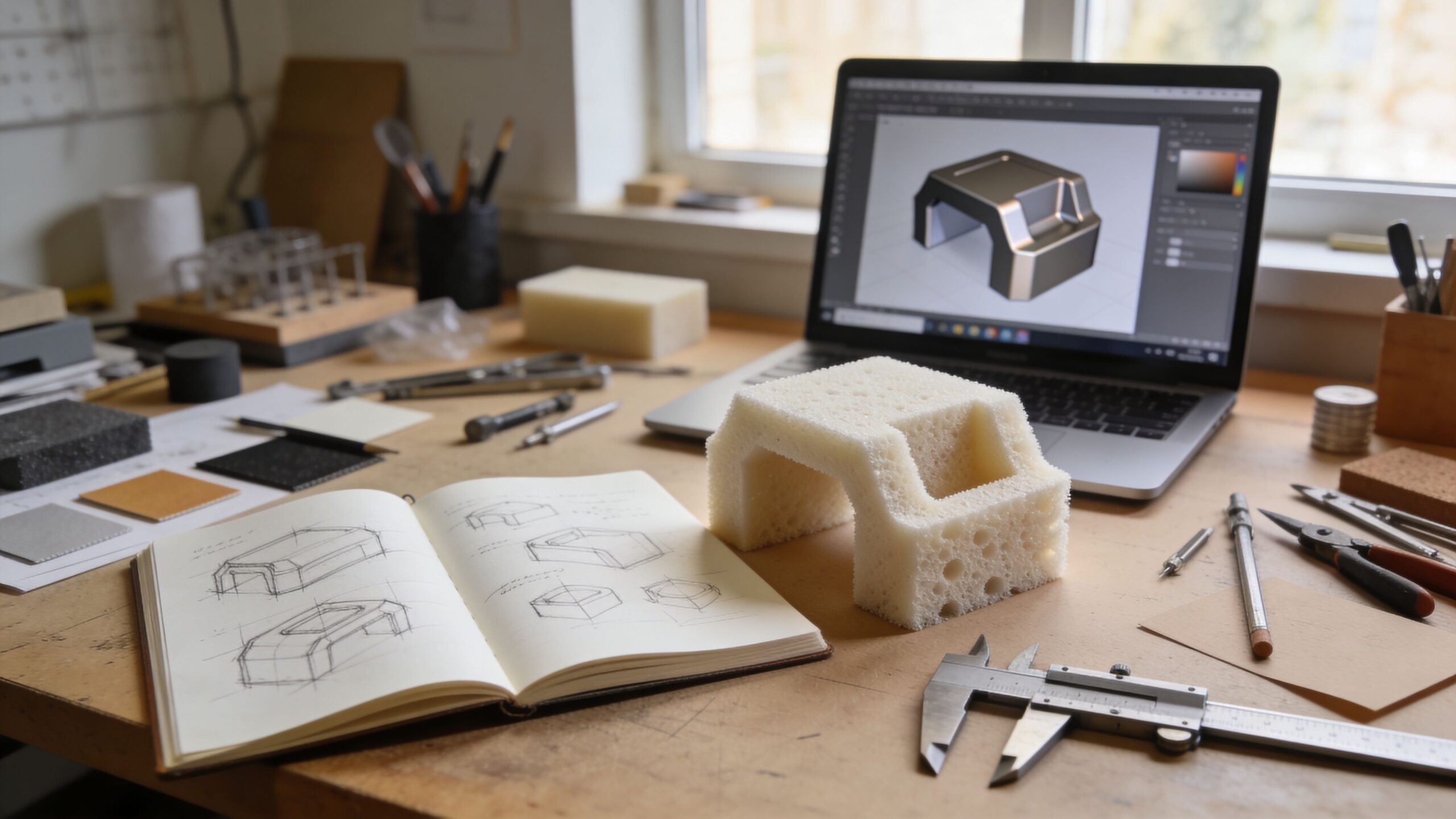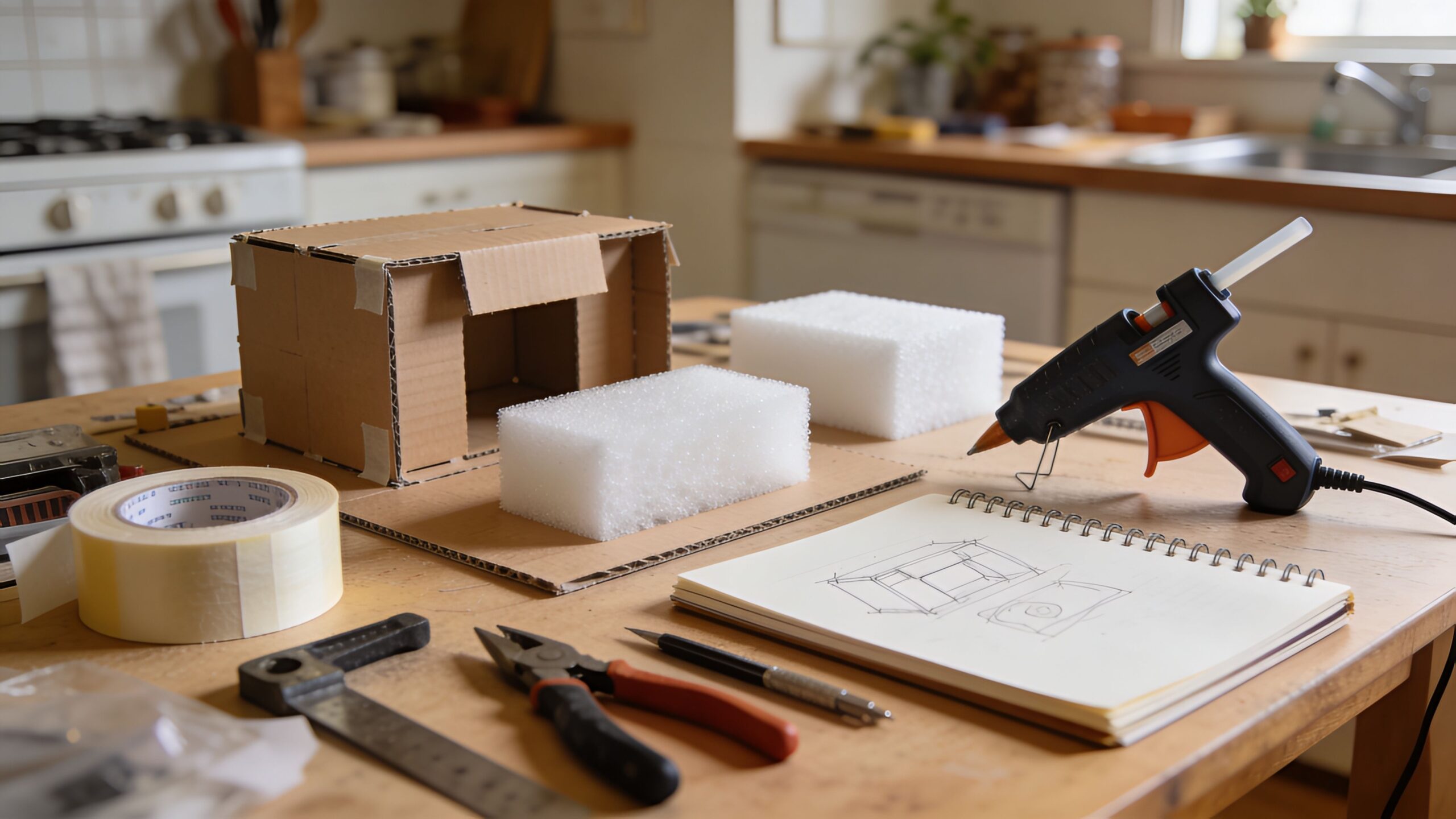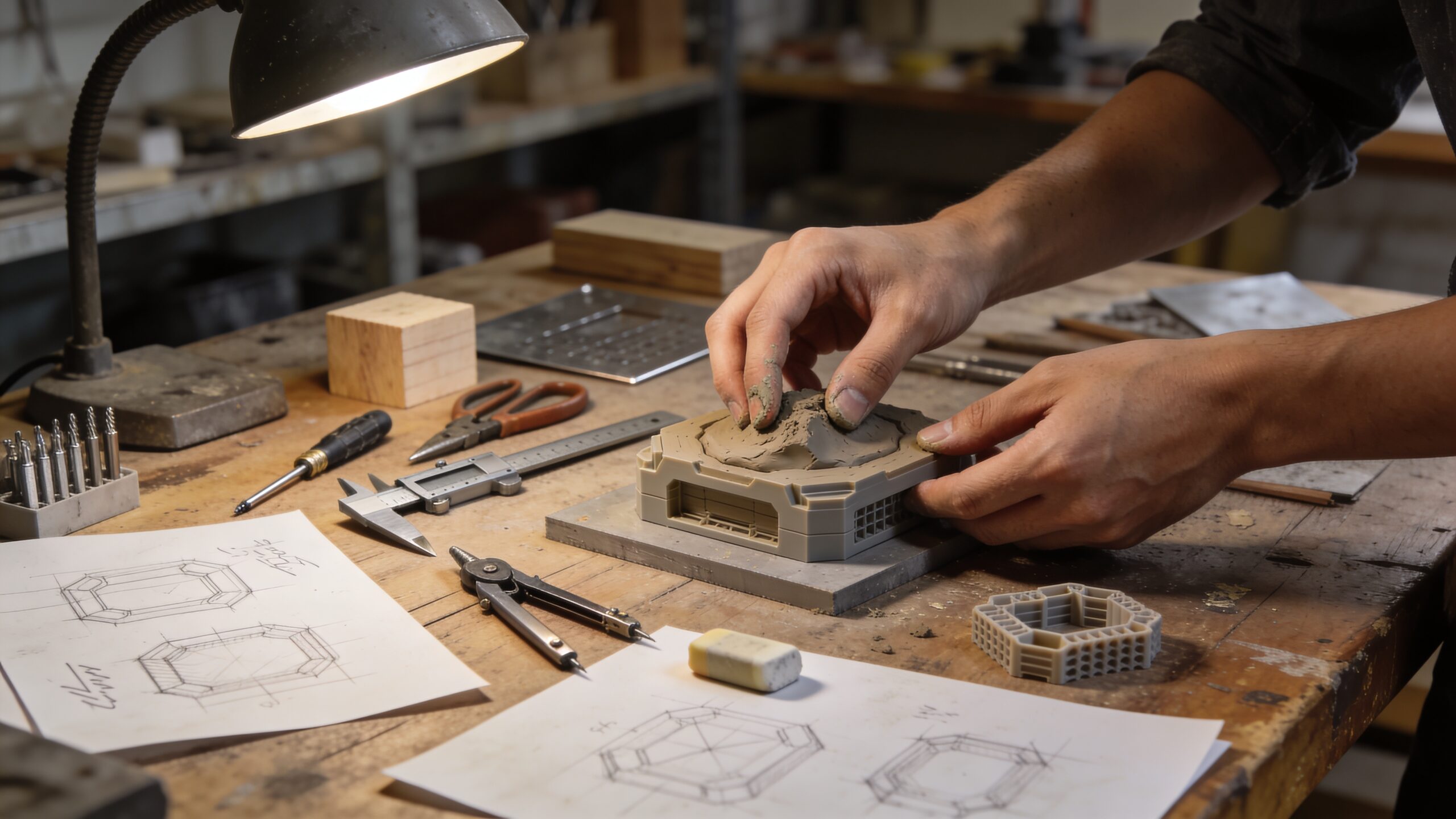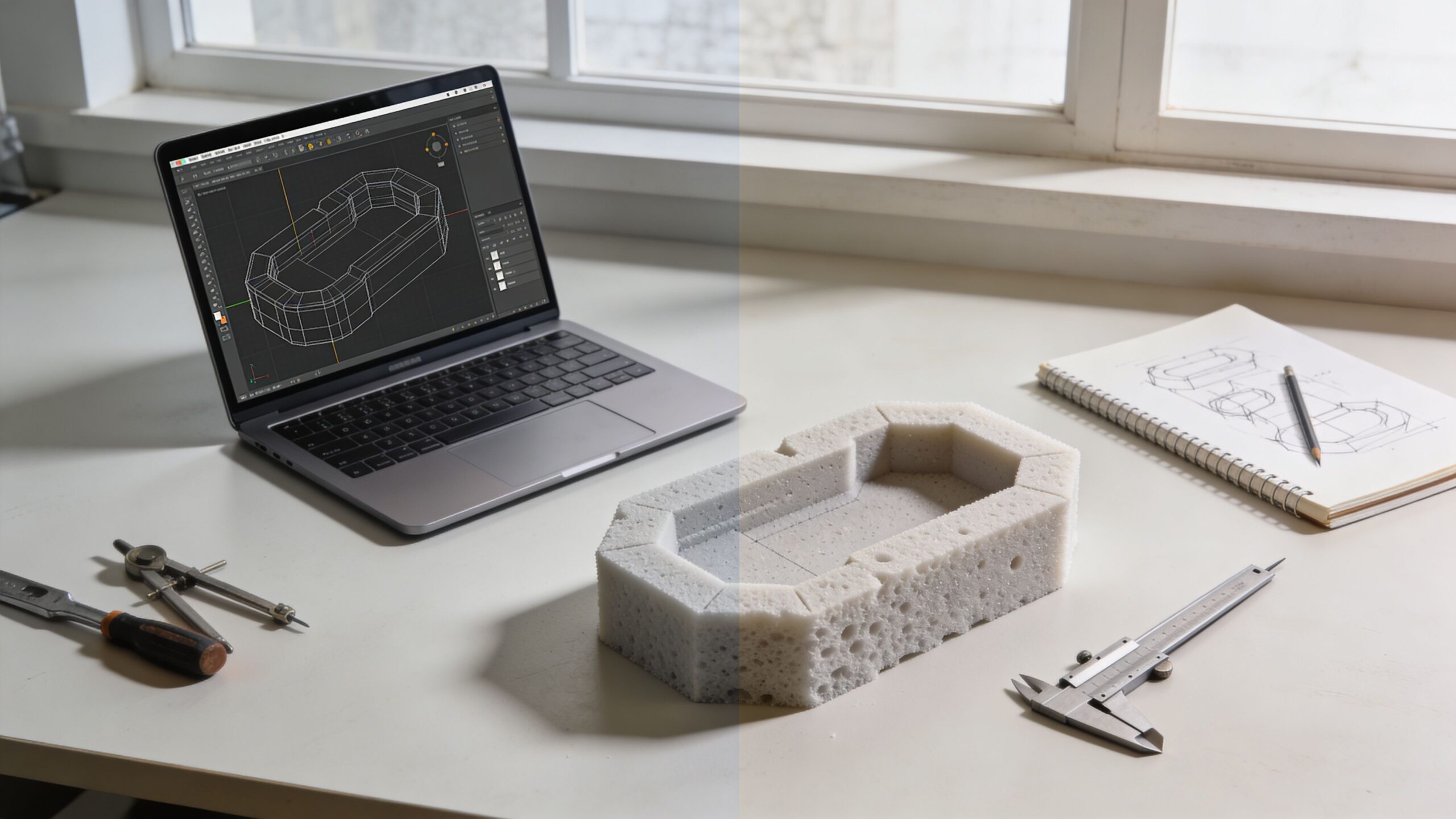
The First Fork in the Road of Making Something Real
Every new product starts with a decision that feels small but shapes everything that comes next: do you prototype physically first, or digitally first? It’s the moment where imagination begins negotiating with reality. Some creators open a CAD program and start sculpting a perfect-looking model on a screen. Others grab cardboard, tape, and a knife and build a rough shape in the space of an afternoon. Both approaches can lead to brilliant products. Both can also lead to expensive detours if used at the wrong time. For beginners, the challenge is that prototyping isn’t just “making a model.” It’s a way of asking questions. A prototype is a question you can touch. Digital prototypes ask certain questions brilliantly—about geometry, fit, packaging, and visual design direction. Physical prototypes ask different questions just as powerfully—about feel, grip, real-world forces, and human behavior in the moment of use. The smartest builders learn to sequence these questions so they get answers quickly, before they invest heavily. This article breaks down what physical and digital prototypes do best, where they mislead beginners, and how to choose which one to build first based on what you need to learn next. The goal isn’t to pick a side. The goal is to build momentum with the right kind of truth at the right time.
A: Start with the method that answers your biggest unknown the fastest.
A: When fit, packaging, part collisions, or precise geometry are the main risks.
A: When ergonomics, balance, usability, and real-world handling matter most.
A: You can, but most products benefit from using both at different stages.
A: They look finished early and can hide real-world friction and material behavior.
A: They’re built for learning fast, not for looking polished or final.
A: Often physical for feel, digital for precision, then physical for functional testing.
A: Change one or two variables at a time and test immediately.
A: When simple builds stop you from testing what matters next.
A: To learn quickly, reduce risk, and improve the product before production.
What a Prototype Really Is (and What It Is Not)
A prototype is an early model built to explore, test, and refine a product idea. It’s not a miniature final product. It’s not a polished piece meant to impress. It’s a tool for learning. When people misunderstand that, they often waste time perfecting a model that answers the wrong question.
Prototypes come in stages. Early prototypes are usually about direction: does this concept make sense, and can it plausibly work? Middle prototypes are about refinement: can it be used comfortably and reliably? Later prototypes are about realism: can it be manufactured, assembled, and supported in the real world?
Physical and digital prototypes can exist at every stage, but they behave differently. A digital model can look like a finished product long before it deserves to. A physical mockup can feel convincing while hiding internal issues that software would reveal immediately. The key is knowing what kind of learning you’re trying to accelerate.
Digital Prototypes: Fast Clarity for Form, Fit, and Visual Design
Digital prototyping includes CAD models, 3D renderings, simulations, and interactive virtual mockups. Even a simple 3D model can deliver immediate value. You can explore size and proportion with precision, adjust curves and angles in seconds, and test how components might fit together. Digital tools are unbeatable when your biggest risk is geometry: will parts collide, will the internal layout work, can everything fit inside the space you have? Digital prototypes shine in iteration speed, but in a specific way. You can change dimensions instantly, clone versions, and compare designs side by side. You can also produce clean visuals that communicate the concept clearly to others. For beginners working with collaborators, mentors, or manufacturers, that clarity matters. A simple model can prevent misunderstandings that burn days later.
Digital prototyping is also powerful when you need to explore multiple variants quickly. Different handle shapes. Different housing profiles. Different placements for a switch, hinge, or attachment point. On screen, you can explore options without rebuilding from scratch each time. The biggest gift of digital prototyping is control. The world on screen behaves the way you tell it to behave—until it doesn’t. And that leads to the biggest trap.
The Digital Trap: Perfect Pictures That Hide Real Problems
A digital prototype can make a product look finished before it has earned that maturity. Clean edges, smooth curves, realistic renders—these visuals can create a false sense of certainty. Beginners may assume something will feel right simply because it looks right. But human hands don’t care about renders. They care about grip pressure, balance, and awkward reaches. Materials in the real world flex, squeak, and fatigue. Fasteners get in the way. Tolerances matter. Friction changes everything.
Another common issue is that digital prototypes encourage “designing inside the box.” When you work on a screen, you may over-focus on details that are easy to control—surface styling, perfect symmetry, tiny fillets—while under-focusing on how the product will be used in messy, unpredictable situations. You can build a digital model that is geometrically correct but behaviorally wrong.
Digital tools also require skill. For beginners, the learning curve can slow momentum. If you spend weeks learning software before you test your concept physically, you might be postponing the most important truth: whether the product solves the problem in a way people actually want. This doesn’t mean digital prototyping is bad. It means it’s most effective when it’s answering the right questions at the right stage.
Physical Prototypes: The Fastest Way to Discover “Reality”
Physical prototyping includes cardboard mockups, foam models, clay forms, hand-built assemblies, 3D prints, and rough functional builds. The magic of physical prototypes is that they force your idea to interact with real constraints immediately. Gravity shows up. Friction shows up. Human behavior shows up. And when all of that shows up, your design stops being theoretical.
A physical prototype is often the quickest way to test ergonomics. The moment you hold a form model, you’ll notice what sketches and CAD rarely reveal. Where your thumb naturally rests. Where your grip slips. Where an edge digs into your palm. Whether the product feels top-heavy or awkward to control. These aren’t minor details. For many products, these are the details that determine whether someone loves it or abandons it.
Physical prototypes also reveal workflow friction. How does the product move through the user’s process? Does it require too many steps? Does it interrupt their flow? Does it create new problems while solving the original one? A physical mockup can be enough to walk through scenarios and discover these issues early.
Most importantly, physical prototypes generate emotional clarity. When you see your idea sitting on a table as a real object, your brain switches into problem-solving mode. New improvements appear. Better solutions emerge. Momentum builds.
The Physical Trap: Rough Builds That Mislead You About Precision
Physical prototypes are honest, but they can still mislead if you don’t interpret them correctly. A cardboard mockup might feel great, but it doesn’t tell you if a mechanism can survive thousands of cycles. A hand-built assembly might function smoothly, but only because you unconsciously compensate for its flaws. A prototype built with loose tolerances might work “well enough,” hiding the fact that manufacturing will require tighter fit than you expected.
Physical prototypes can also be slow if you choose the wrong materials too early. If you jump into metal fabrication before you understand the design, every iteration becomes expensive and exhausting. Beginners sometimes confuse “serious materials” with “serious progress.” In reality, serious progress is learning quickly. The best early materials are the ones that allow change without pain. There’s also a communication challenge. A rough physical model can be harder to explain to others than a clean digital visualization. If your prototype looks crude, people might underestimate the concept. That’s why many successful teams use both: physical prototypes for truth, digital prototypes for clarity.
Which Should You Build First? The Answer Is Hidden in Your Biggest Unknown
The best way to decide what to build first is to ask one question: what is the biggest unknown in your product right now? The biggest unknown is the thing that could kill the idea if it turns out to be wrong. Your first prototype should attack that unknown directly.
If your biggest unknown is ergonomics, usability, or “does this feel right,” build physical first. A foam model can answer comfort questions in minutes. If your biggest unknown is internal packaging, part fit, or spatial layout, go digital first. CAD will reveal collisions and constraints faster than trial-and-error cutting.
If your biggest unknown is whether users understand the concept, a simple physical mockup can be a powerful conversation starter. If your biggest unknown is whether the design can be manufactured, a digital model that considers assembly and tolerances can save you from painful redesign later. When you frame the decision this way, the confusion disappears. You’re not choosing a method. You’re choosing the fastest path to truth.
When Digital First Makes the Most Sense
Digital-first prototyping is often the best move when your product is complex internally, relies on precise fit, or includes multiple interacting parts. If the product includes housings, mounts, nested components, or tight constraints, digital models can prevent wasted physical builds that never had a chance to fit.
Digital-first also makes sense when the product is heavily aesthetic or form-driven. If the shape, style, and surface language are key to its value, digital iteration lets you explore design directions quickly. You can compare options, refine proportions, and build a coherent visual identity before you invest in physical fabrication. It can also be ideal when you plan to use 3D printing early. A digital model becomes the pipeline to a physical print. In that case, digital-first isn’t a delay—it’s a prerequisite. Still, even here, the best approach is usually to keep the early CAD simple and purpose-driven, focusing on what you need to test rather than building a detailed final model too soon.
When Physical First Wins Almost Every Time
Physical-first prototyping is often the smartest move for handheld tools, consumer products, wearables, and anything that depends on human comfort. Ergonomics is a real-world phenomenon. You can estimate it digitally, but you can only confirm it physically.
Physical-first also excels when your product is simple in structure but complex in use. Think about products that involve motion, grip, leverage, or real-world handling. A quick mockup can reveal whether the concept is intuitive or awkward. It can also reveal hidden forces—places where the design will be stressed or where users will naturally apply pressure.
It’s also the fastest approach for validating an idea before you commit to learning software or hiring help. If you’re a beginner with a new concept, building a rough physical model can be the quickest way to determine whether the idea deserves deeper investment.
The Best Strategy for Beginners: Hybrid Prototyping in the Right Order
For most beginner projects, the smartest path is a hybrid approach: build something physical early for feel and usability, then shift into digital modeling for precision and refinement, then return to physical builds for functional testing.
This sequence works because it prevents you from perfecting the wrong design. A physical mockup reveals whether the concept feels right. Digital modeling then locks in geometry, fit, and manufacturable structure. A refined physical prototype then validates performance in reality. Hybrid prototyping also keeps motivation high. Beginners often lose momentum when a project stays on a screen for too long. Physical builds create emotional energy. Digital builds create confidence and clarity. Together, they create forward motion that’s hard to stop.
How to Choose the First Prototype Format in 10 Minutes
You don’t need a long debate to decide. In ten minutes, you can ask yourself a few practical questions. Does your product need to fit inside a tight space or around existing parts? Digital first can save you. Does the product need to feel good in the hand or against the body? Physical first will tell the truth quickly. Do you need to communicate the concept clearly to others right away? Digital visuals help. Do you need quick feedback from real users? Physical mockups make testing easy. The most important part is to choose and start. Prototyping is not a decision you make once. It’s a loop. You can begin with one format and switch as soon as your learning needs change.
The Real Goal: Build the Prototype That Helps You Learn the Fastest
Physical vs digital isn’t a competition. It’s a toolkit. Each method reveals different truths, and the best creators use both with intention. If you build digitally first, you gain precision and planning power. If you build physically first, you gain reality and usability insight. If you combine them in a smart sequence, you gain speed, confidence, and stronger products.
For beginners, the biggest mistake is waiting to be “ready.” You become ready by building. Start with the prototype that attacks your biggest unknown. Let that learning guide the next version. Then the next. Soon, you won’t be asking whether to prototype physically or digitally first—you’ll be moving between both naturally, building the fastest path from idea to reality.